If your Google Ads appeal was rejected, you’re not alone. Many advertisers assume that correcting a few website issues or...
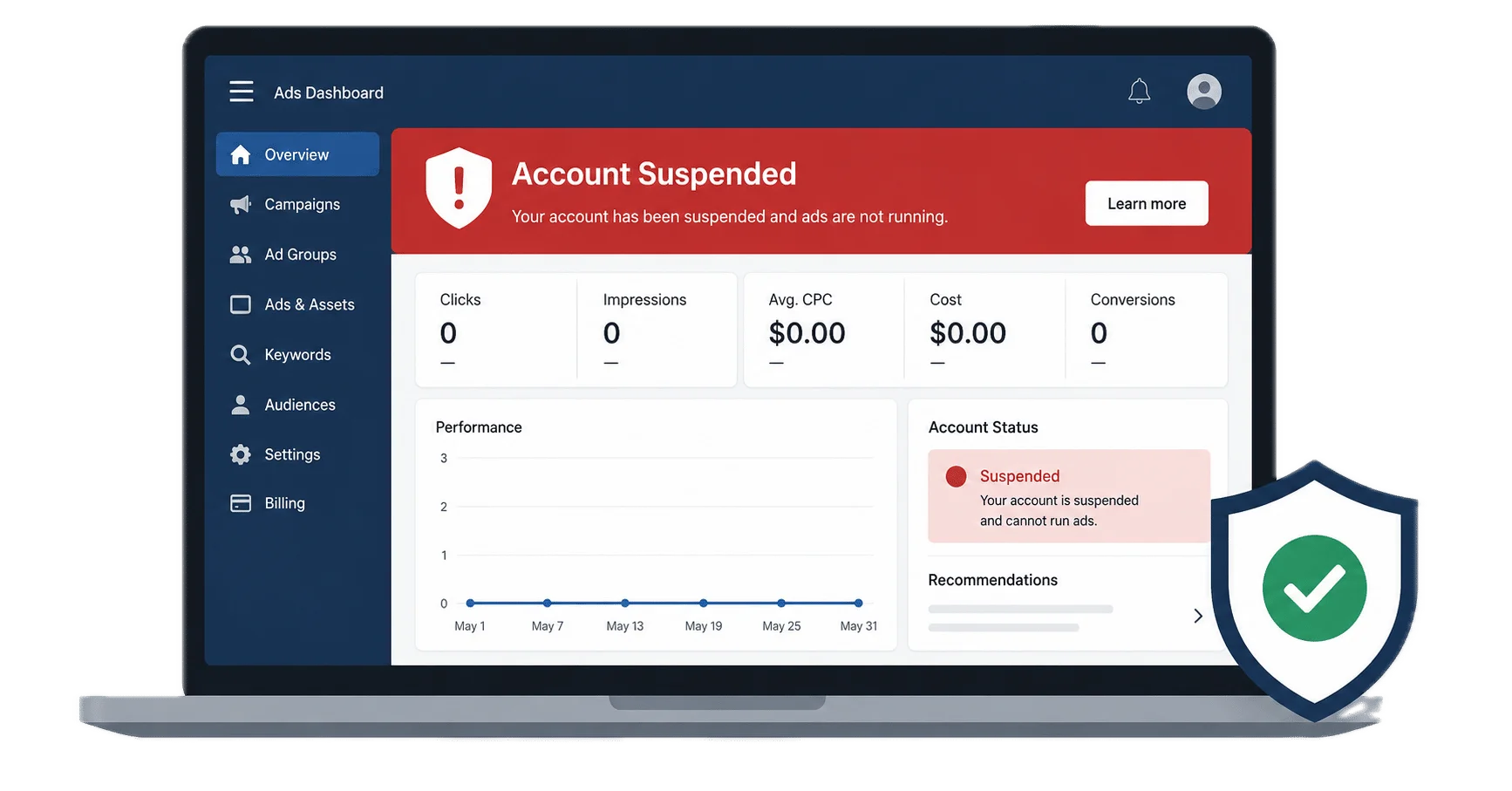
Seeing the message "Your Google Ads account has been suspended for Circumventing Systems" can be stressful—especially if you've never intentionally violated Google's advertising policies.
For many businesses, the suspension happens without warning. Campaigns stop running immediately, enquiries slow down, and valuable leads disappear overnight. Naturally, most advertisers rush to submit another appeal, hoping the account will be reinstated quickly.
However, Google rarely explains the exact reason behind the suspension. Instead, the notification simply references the Circumventing Systems policy, leaving you to determine what may have triggered the issue.
In many situations, the suspension isn't caused by one obvious mistake. Rather, it can result from several trust and compliance issues combined, including website transparency, inconsistent business information, payment profile concerns, landing page quality, technical problems, or previous account history.
Therefore, submitting another appeal before identifying the real cause often leads to another rejection. A structured compliance review is usually the best first step to understand what needs to be fixed before requesting another review from Google.
Request a Suspension Review →Google wants advertisers to be transparent about who they are, what they sell, and where users are being directed. Consequently, when Google's review systems identify signals suggesting that an advertiser may be attempting to bypass its policies or reduce transparency, the account may be suspended for Circumventing Systems.
Rather than relying on one webpage or advertisement, Google evaluates the overall trustworthiness of your business. Therefore, multiple small issues can sometimes contribute to a suspension.
Many advertisers assume one recent website change triggered the suspension. However, Google may evaluate several compliance signals together before taking action.
Every suspension is different. Nevertheless, many accounts share similar compliance issues. Rather than assuming there is one specific trigger, review the following areas before submitting another appeal.
Your business name, address, phone number, or email may not match across your website, Google Ads account, payment profile, or public business listings.
Websites without an About Us page, Privacy Policy, Terms & Conditions, or clear contact information may appear less trustworthy during Google's review.
Broken pages, misleading content, unexpected redirects, or destinations that don't match the advertisement can reduce trust.
Using several accounts to advertise the same business without a legitimate reason may raise additional policy concerns.
Frequent billing changes, inconsistent payment information, or unusual payment activity may require additional review.
Incomplete verification or business identity inconsistencies can affect Google's confidence in your account.
Changing domains, replacing landing pages, or rebuilding your website immediately after a suspension can delay recovery if the root cause remains unresolved.
HTTPS errors, redirect loops, crawl issues, broken links, or poor mobile usability can contribute to an overall weak compliance profile.
Earlier ad disapprovals or unresolved policy issues may be considered alongside your current account review.
In many cases, there isn't a single cause. Instead, several small issues together reduce Google's confidence in the advertiser.
Because Google rarely identifies the exact trigger, making random website changes often wastes valuable time. Instead, complete a structured website and account review before submitting another appeal. This approach helps you identify potential compliance issues and prepare a stronger recovery strategy.
View the Google Ads Website Audit Checklist →Every suspended account is different. Therefore, we don't rely on guesswork or generic appeal templates. Instead, we perform a structured compliance review to identify the issues that may have contributed to the suspension before recommending the next steps.
First, we examine your website for trust signals, policy pages, business information, landing page quality, technical issues, redirects, and overall transparency. This helps identify areas that may affect Google's confidence in your business.
Next, we compare your business details across your website, Google Ads account, payment profile, Google Business Profile, and any available verification documents to identify inconsistencies.
We also review previous policy violations, advertiser verification status, payment history, and related compliance signals to understand whether multiple issues may have contributed to the suspension.
Finally, we provide practical recommendations, explain the issues that should be addressed first, and help you prepare for the appeal process with a stronger compliance foundation.
Submitting another appeal without understanding the real cause often leads to repeated rejections. Instead, taking the time to review your website, business information, payment profile, and account history gives you a clearer understanding of the changes that may be required before requesting another review from Google.
Many advertisers submit another appeal immediately after receiving a suspension. However, if the underlying compliance issues haven't been identified and addressed, there's a higher chance that the appeal will be rejected again. Therefore, it's worth taking time to review your business before requesting another account review.
If you're unsure why your account was suspended, start with a complete website audit instead of relying on guesswork. Our checklist walks you through the areas that should be reviewed before you submit another appeal, helping you identify potential compliance issues across your website and business information.
View the Website Audit Checklist Speak With a Suspension ExpertYes, some Google Ads accounts are successfully reinstated after Google reviews an appeal. However, every suspension is different, and the final decision always rests with Google. Consequently, the quality of your compliance review and the corrective actions you take before appealing can make a significant difference.
Although no one can guarantee account reinstatement, advertisers generally strengthen their appeal by addressing genuine compliance issues before requesting another review.
Many advertisers unknowingly reduce their chances of success by rushing the appeal process before understanding what caused the suspension.
A successful recovery usually starts with understanding why Google lost confidence in the account. Rather than guessing, review your website, business identity, landing pages, payment profile, and overall compliance before submitting another appeal. This approach helps you prepare a stronger case while reducing the likelihood of repeated rejections.
Request a Google Ads Suspension Review →A Circumventing Systems suspension is often linked to website compliance, business identity, payment verification, or other Google Ads policies. Therefore, reviewing the related guides below can help you better understand your suspension and prepare a stronger appeal.
Learn the most common reasons Google suspends advertising accounts and understand which policies may apply to your business before submitting an appeal.
Read the Guide →Review 37 essential website, technical, and business compliance checks before submitting another Google Ads appeal.
View the Checklist →Understand how misleading business information, unclear offers, or missing website details can result in a Google Ads suspension.
Learn More →Discover common payment profile issues, billing inconsistencies, and practical steps to prepare for Google's review process.
Read the Guide →Find out why advertiser verification matters, what documents Google may request, and how verification affects account reviews.
Read the Guide →Need professional assistance? Learn how we review suspended Google Ads accounts, identify compliance issues, and help businesses prepare stronger appeals.
Explore Our Services →Every case below is a real account we worked on — anonymised to protect client confidentiality. Suspension type, root cause, and resolution steps are documented exactly as they happened.
All client details anonymised to protect confidentiality. Suspension types, root causes, and resolution steps are documented accurately from real cases.
Every suspension is different. We review your website, business information, policy compliance, landing pages, and account signals to identify possible causes before preparing the next steps.
If your Google Ads account was suspended for Circumventing Systems, don't continue submitting appeals without identifying the underlying compliance issues. We'll review your website, business information, landing pages, payment profile and trust signals to help you prepare a stronger appeal based on Google's advertising policies.
Review your website, landing pages, business identity, policy pages and trust signals to identify potential compliance issues.
Receive practical recommendations and a structured recovery strategy before submitting another Google Ads appeal.
Speak directly with an experienced Google Ads Suspension Recovery Specialist about your Circumventing Systems case.
Find answers to common questions about Google Ads Circumventing Systems suspensions, policy compliance, account reviews, and the appeal process. The information below explains what Google may evaluate before deciding whether a suspended account can continue advertising.
If your Google Ads appeal was rejected, you’re not alone. Many advertisers assume that correcting a few website issues or...
Receiving a Google Ads Circumventing Systems suspension can feel confusing, especially when you’ve never intentionally violated Google’s advertising policies. Many...
If your Google Ads account has been suspended, submitting another appeal immediately is rarely the best first step. Most advertisers...
Your Google Ads account just got suspended. You opened your dashboard this morning expecting to see campaigns running, and instead...